← Blog · World Models · Spatial AI · Education
Your Next Classroom Has a Reset Button
World models could give students more chances to practice, question, and revise. A classroom-sized experiment, with real limits and access in mind.
 Dominique Wu
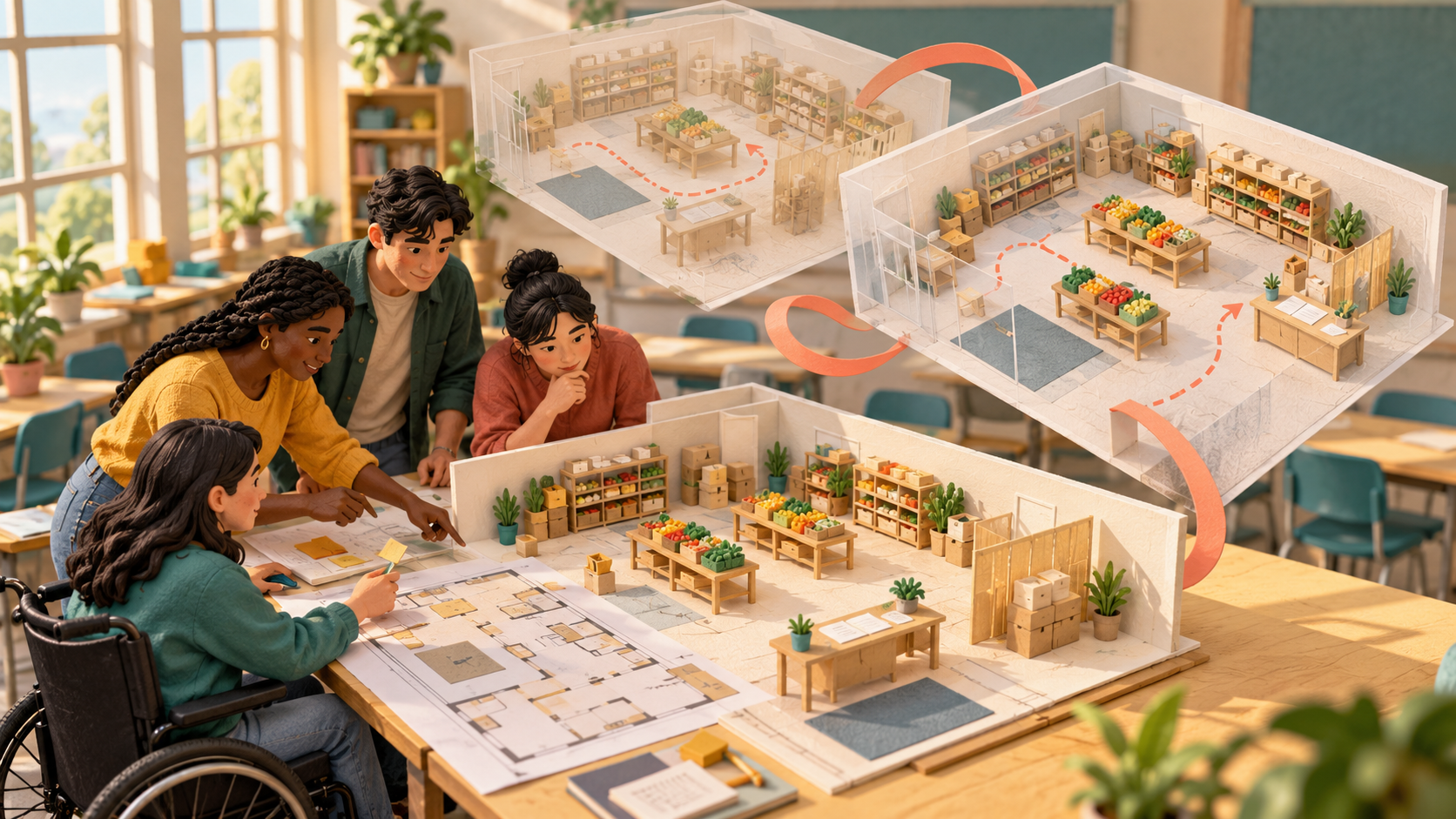
Imagine this assignment: design a pop-up food pantry inside a community-college classroom.
In this hypothetical class, one team builds a beautiful layout. Then they explore it from the doorway. The welcome table hides half the room. The pickup route doubles back on itself. Someone asks, “Where would a person wait if they wanted a little privacy?”
Ah. Different assignment now.
The team revises the space and tries again. No furniture dragged across campus. No student volunteers stuck in a bad experiment. Just an idea becoming concrete enough to question.
That’s an interesting possibility for world models in education: more chances to rehearse a decision before other people have to live with it.
What are we actually resetting?
A world model is an AI system that represents aspects of an environment and, in dynamic systems, predicts how it changes as actions happen. Some newer models let you explore those predictions as an interactive visual world. Turn left, and the system generates what comes next. Google DeepMind’s Genie 3 overview explains this action-and-prediction loop.
The tools already take different approaches. Genie 3 generates environments frame by frame in response to movement. World Labs’ Marble creates persistent 3D scenes from inputs including text and images, with tools to edit and export them. Navigating a scene and simulating everything inside it are different capabilities.
So “reset” here means another attempt at an idea. It doesn’t promise that every product can replay an identical scenario or change one variable perfectly.
And the headset? Optional to the concept. As the earlier Spatial AI explainer explores, this field extends beyond VR. A screen can be enough to start asking better spatial questions.
Beautiful worlds still need adult supervision
A convincing room can contain very unconvincing rules.
Google’s January 2026 Project Genie announcement described a research prototype with 60-second generations, imperfect controls, and worlds that may depart from prompts or real-world physics. Those are the stated limits of that release, not a universal description of every world-model tool.
For teaching, the distinction matters. A generated workshop might help students discuss layout. Trusting its machinery behavior to teach a safety procedure would require evidence that the behavior is correct.
VR describes a way to experience an environment. A training simulation needs appropriate tasks, feedback, and validation. A digital twin represents a real-world counterpart; its usefulness depends on how faithfully it represents the things you need to know. NIST’s guidance on digital-twin validation makes that credibility problem explicit.
Putting an AI-generated room on a headset doesn’t complete any of those checks.
Try a 30-minute rehearsal
Here’s a small exercise for that imaginary pantry project. It could fit a design, communication, or community-engagement class. Treat the generated space as a discussion prototype, with a measured floor plan as the reference.
First five minutes: choose one question. Can a first-time visitor understand where to go? Keep the goal narrow. “Make the best pantry ever” is a lovely way to spend the entire class choosing wall colors.
Next five: make a prediction. Before exploring, each team sketches a route and writes down where they expect confusion. Supply a fictional visitor brief, without personal records or photos. Include needs such as room for a mobility device and a place to ask a private question.
Next ten: explore and question. Use an instructor-prepared world or recorded walkthrough. One student navigates, one observes, and one records doubts. Where does the entrance lead? What can visitors see? Which details are unclear? Does the model quietly change the room when the camera turns?
Next five: revise one choice. Move the welcome table in the plan. If the tool supports a suitable edit, make it there too. Otherwise, annotate a screenshot. Compare the intended change with what actually changed. A regenerated doorway is a model error, not evidence that the design improved.
Final five: check reality. Compare the proposal against the measured plan and instructor-provided accessibility criteria. Ask which questions need actual users, measurements, or expert review. Exploring with an avatar does not establish that a space is accessible.
Grade the explanation: what students predicted, what they noticed, what they changed, and what they still cannot conclude. The prettiest room can earn a very ordinary grade. Such is life.
Who gets another try?
For community colleges, access belongs in the first planning conversation.
Can students participate on campus equipment? Does the activity require an individual subscription? Can someone contribute without navigating a moving 3D view? Who gets left out when the Wi-Fi struggles?
Start with one shared demonstration. Provide still images, a text description, and the floor plan. Let students take different roles while assessing the same reasoning. A learner who spots a missing route on paper is doing meaningful design work.
Public education also deserves materials it can keep using. Before adopting a tool, check whether you can export the work, what happens when access expires, and whether student creations or uploads are used for model training. Budget for preparation and accessibility work alongside the software.
The longer-term opportunity could be a shared library of teacher-reviewed practice spaces, with clear notes about what each one can teach and where it breaks. Colleges could adapt a useful exercise instead of rebuilding the whole thing from scratch.
That future is worth exploring carefully.
Start with a room, a question, and permission to try again. Then carry the learning back into the real place, where the doors have actual dimensions and the people deserve a thoughtful design.